
Home Automation
Unifying Smart Living and Technician Control
Project Overview
- Timeline: 6 weeks (Rapid design sprint)
- Role: Senior UI/UX Designer
- Team: Product Manager, 1 Developer, UX Designer (me)
- Tools Used: Figma, Adobe XD, Lucidchart, UserTesting.com
- Platform: Web and Touch Interface (Homeowner + Admin Portal)
Summary:
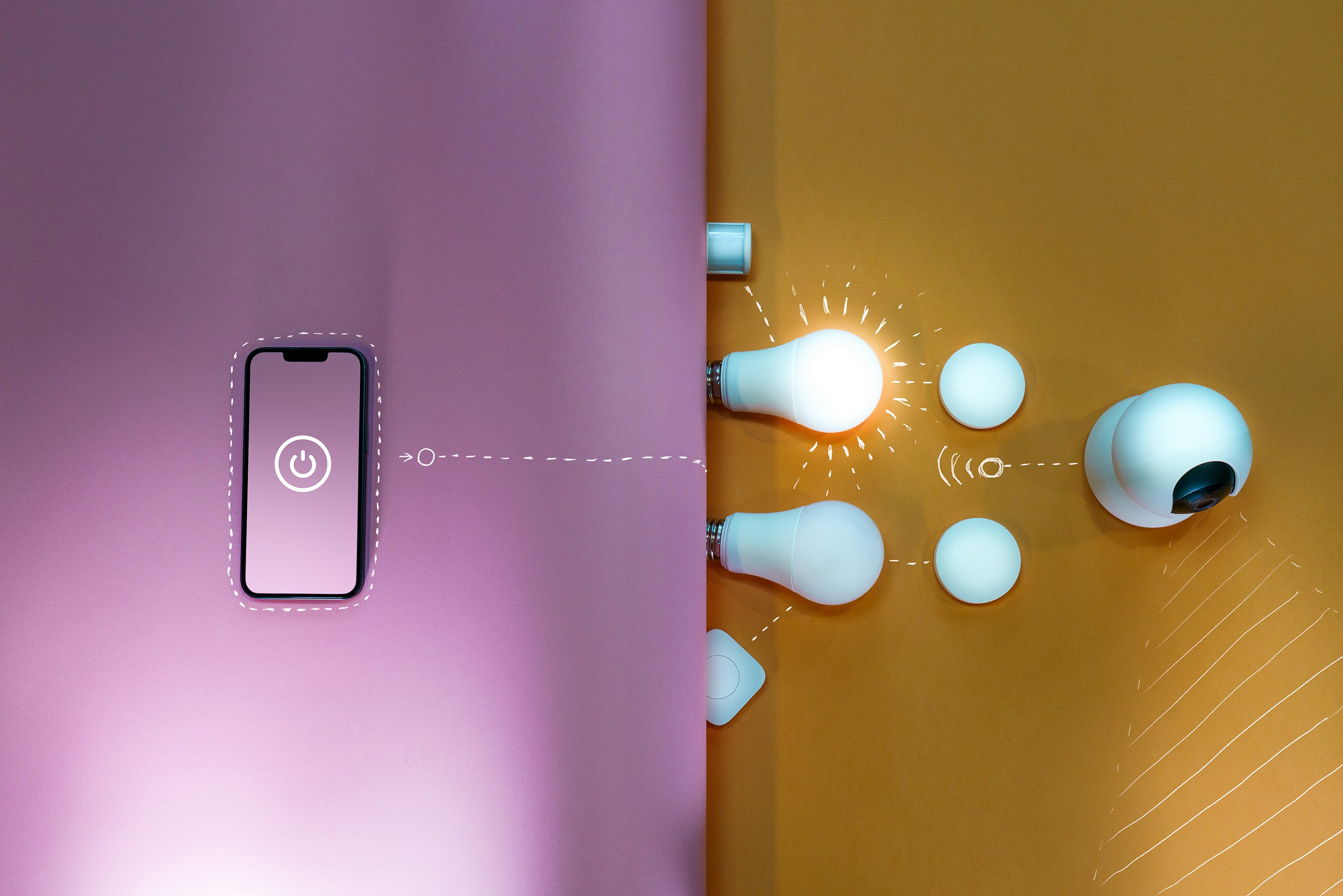
Designed a unified home automation dashboard for smart homeowners and an internal operations portal for technicians. The goal was to centralize control of smart devices (lighting, cameras, locks, energy systems) and streamline backend setup and monitoring for field technicians.
Business Objectives
-
Deliver a modern, scalable interface for smart home control
-
Reduce technician setup/configuration time
-
Enable predictive maintenance through analytics
-
Unify multi-device control into a single branded platform
-
Support real-time monitoring and role-based access
The Problem
Modern homeowners use disconnected systems for lighting, security, thermostats, etc., with no cohesive control experience. Meanwhile, installers lacked visibility into system health and configuration tools.
Pain Points:
- Fragmented smart home ecosystems
- Manual device onboarding (QR/manual)
- No live system health or diagnostics
- High cognitive load during technician setup
“Homeowners were juggling apps; techs were juggling spreadsheets.”
UX Research
Research Goals:
-
Identify smart home control preferences
-
Validate installation workflows and pain points
-
Analyze gaps in competitive platforms
Methods:
- Competitive analysis (Google Home, SmartThings, Control4)
- 7 user interviews (4 homeowners, 3 technicians)
- Task flow observation during mock installs
“Feels like a modern control room for my house.” — Homeowner test session
Personas:
-
Homeowner Helen – controls devices, scenes, schedules
-
Installer Ian – configures devices remotely, resolves alerts
Design Process
Flows & Features Prioritized:
-
Homeowner: Control by room/type, schedule scenes, monitor live cameras
-
Technician: Configure devices, tag alerts, monitor uptime stats
Wireframes:
-
Homeowner: Control by room/type, schedule scenes, monitor live cameras
-
Drag-and-drop widgets for room control
-
Scene builder: Schedule + manual trigger UX
-
Operations panel: Device list + alert tagging
Core Trade-Off: Speed vs. Experience
To avoid friction, we reduced required inputs (e.g., integration and validation of the devices and its security ) and used SMS links for identity confirmation.
Hi-Fidelity & Prototypes
Homeowner Dashboard:
-
Modular card layout (rooms, cameras, temperature)
-
Event log with motion triggers and timestamps
-
Responsive UI with priority for large touch panels
Technician Portal: :
- Table-based user/device matrix
- Device onboarding via QR/manual entry
- Uptime + usage analytics dashboard
Testing & Feedback
Activities:
- Pilot testing with 5 participants (3 homeowners, 2 technicians)
- Task completion metrics for key flows (scene setup, alert resolution)
Results:
- 40% faster dashboard load time
-
100% successful scene setup completion
-
Installer setup time reduced by 50%Text input errors were reduced by auto-suggestions
“This cut my setup time by half — very intuitive layout.” — Installer
Reflection
This project sharpened my ability to:
-
Design for multi-role complexity with role-based views
-
Prioritize speed and discoverability in control systems
-
Apply progressive disclosure for complex IoT configurations
-
Balance consumer delight with operational utility
UX Methods & Tools Used
-
Discovery: Competitive research, stakeholder interviews, installation workflow audit
-
Design: Modular UI, drag-and-drop interaction model, scalable component system
-
Testing: In-person pilot test, usability timing metrics
-
Tools: Figma, Adobe XD, Lucidchart, UserTesting.com
-
Standards: WCAG 2.1, mobile-first layout, smart home accessibility guidelines