
Configuration Dashboard Portal
Role: Senior UI/UX Designer
Duration: August 2020 – September 2021
Introduction
Clients required a portal for configuring dashboards used to track tasks and milestones necessary for employees to settle into their new locations. The objective was to create a streamlined, intuitive interface that facilitates this process efficiently while meeting business goals, such as increasing conversions by 5% without affecting retention.
Problem Statement
The existing configuration system was inefficient, with complex workflows and high drop-off rates. Users faced difficulties navigating and managing tasks, leading to reduced productivity and satisfaction. The challenge was to simplify the process while maintaining functionality for diverse user needs.
Research Insights
Methodology:
-
Surveys: Conducted an online survey with 13 participants to identify pain points.
-
Consultant Interviews: Interviewed 3 consultants to refine the processes addressing pain points.
-
Personas: Developed 4 personas representing different user segments, iteratively updated as new data emerged.
-
Heatmaps and Analytics: Used Google Analytics and heatmaps to evaluate user behavior and identify inefficiencies.
Key Findings:
-
Users preferred a centralized structure for configuration tasks.
-
Common pain points included redundant steps and unclear CTAs.
-
Introducing a tree structure could streamline navigation and reduce cognitive load.
Design Process
1. Understanding Business Goals:
-
Increase conversions by 5% without impacting retention.
-
Streamline workflows by removing unnecessary steps and optimizing navigation.
-
Present an action plan based on research insights for stakeholder approval.
2. Wireframing and Prototyping:
-
Low-Fidelity Wireframes: Created initial sketches and transformed them into wireframes using Figma.
-
User Testing: Conducted 4 usability tests, leading to iterative refinements.
-
High-Fidelity Prototypes: Enhanced designs with marketing assets and refined layouts for user clarity.
3. Introducing a New Tree Structure:
-
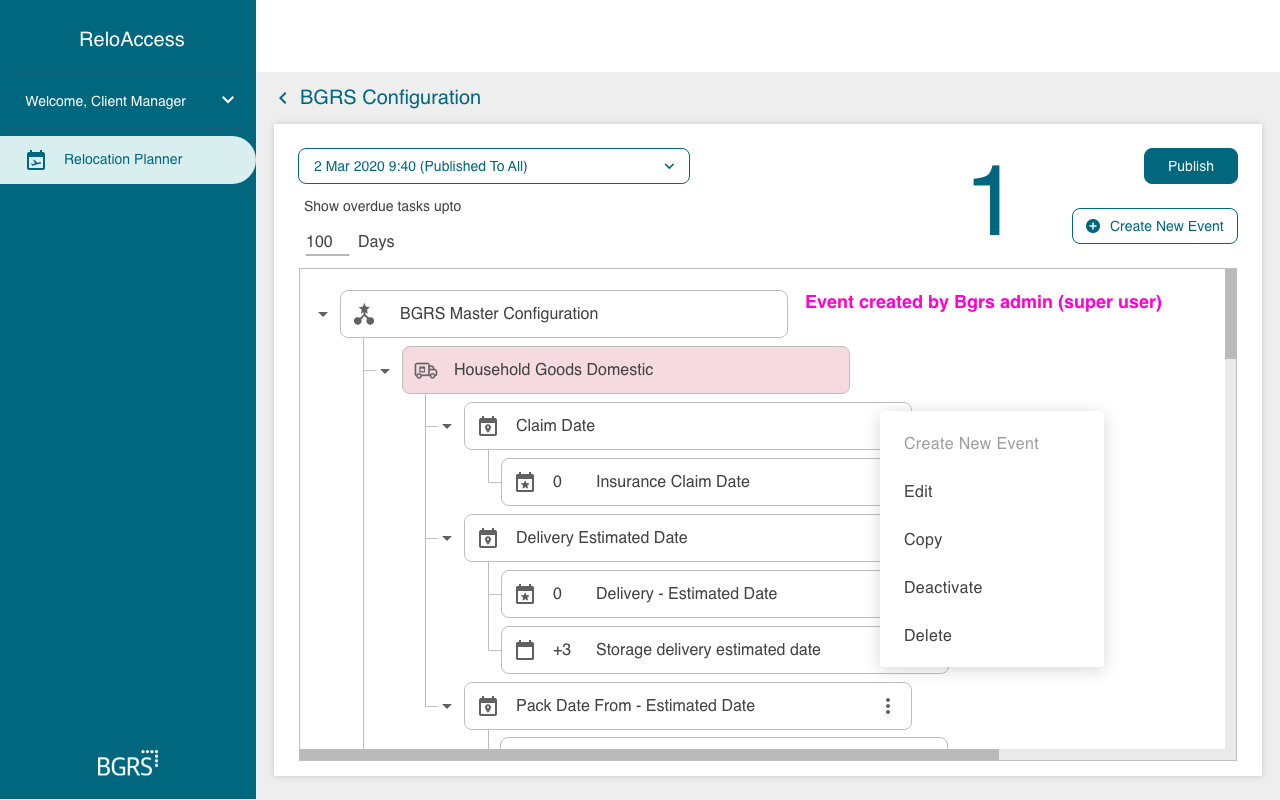
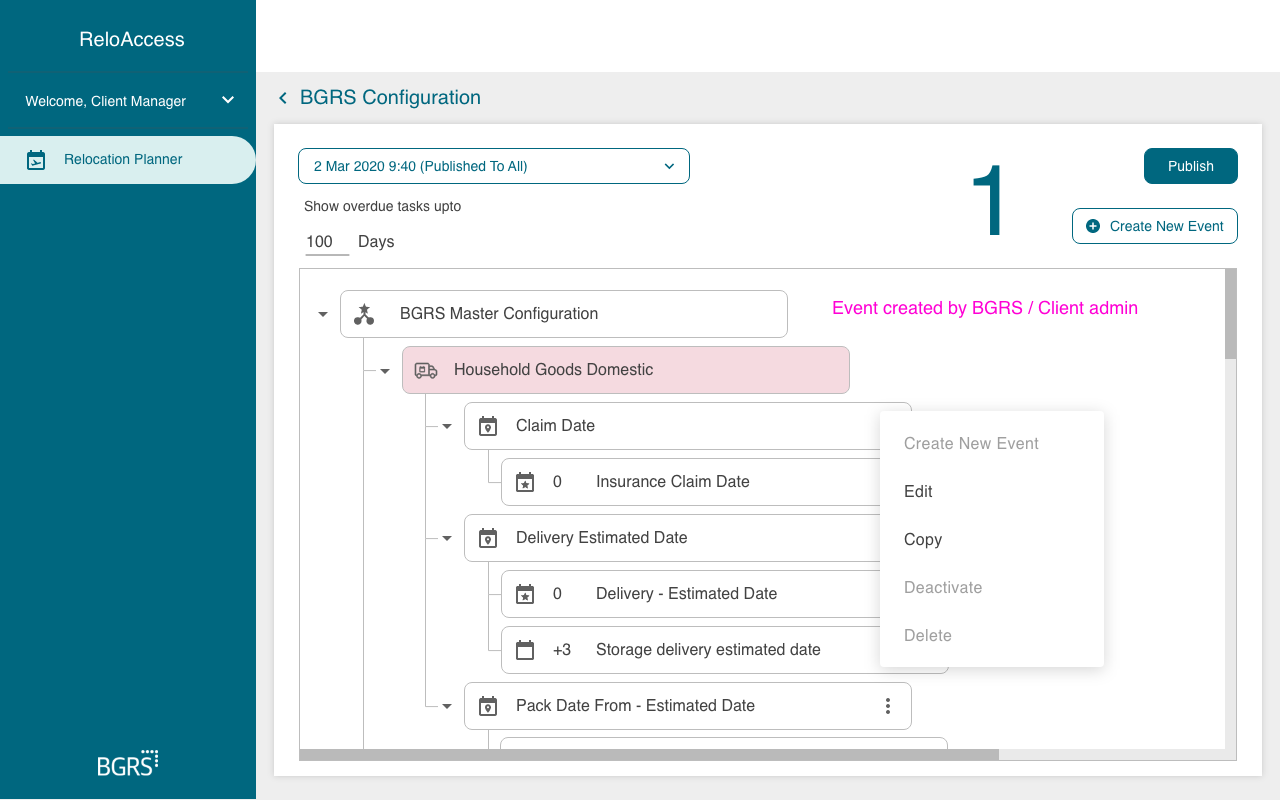
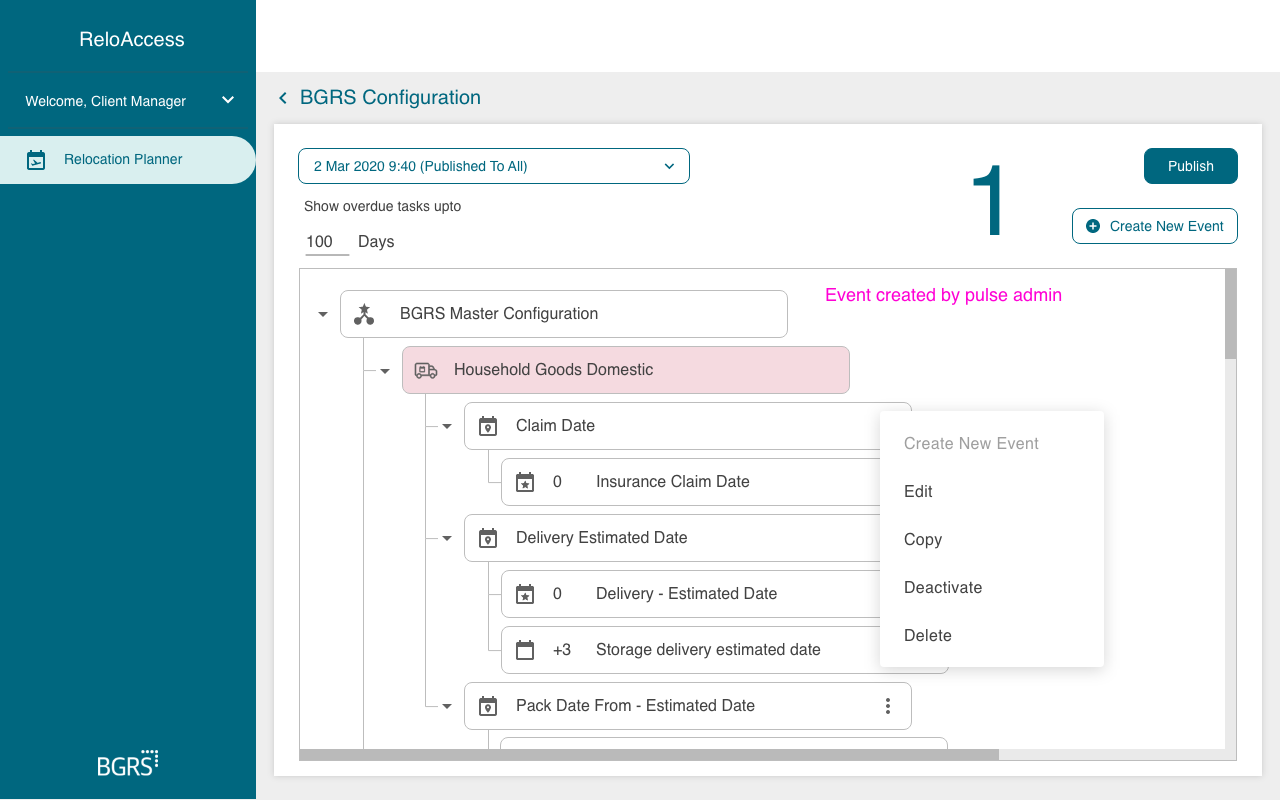
Implemented a tree structure to organize tasks hierarchically.
-
Simplified navigation by grouping related tasks under expandable nodes.
-
Tested the structure with users to validate its effectiveness.
4. Mapping User Journeys:
-
Mapped current-state journeys to identify inefficiencies and drop-off points.
-
Eliminated 2 unnecessary steps to improve conversion rates.
-
Added micro-interactions and clear CTAs to enhance navigation and engagement.
5. Personas:
-
Personas highlighted user goals, behaviors, and challenges.
-
Guided design decisions to ensure the portal catered to the needs of 190+ clients.
Solution
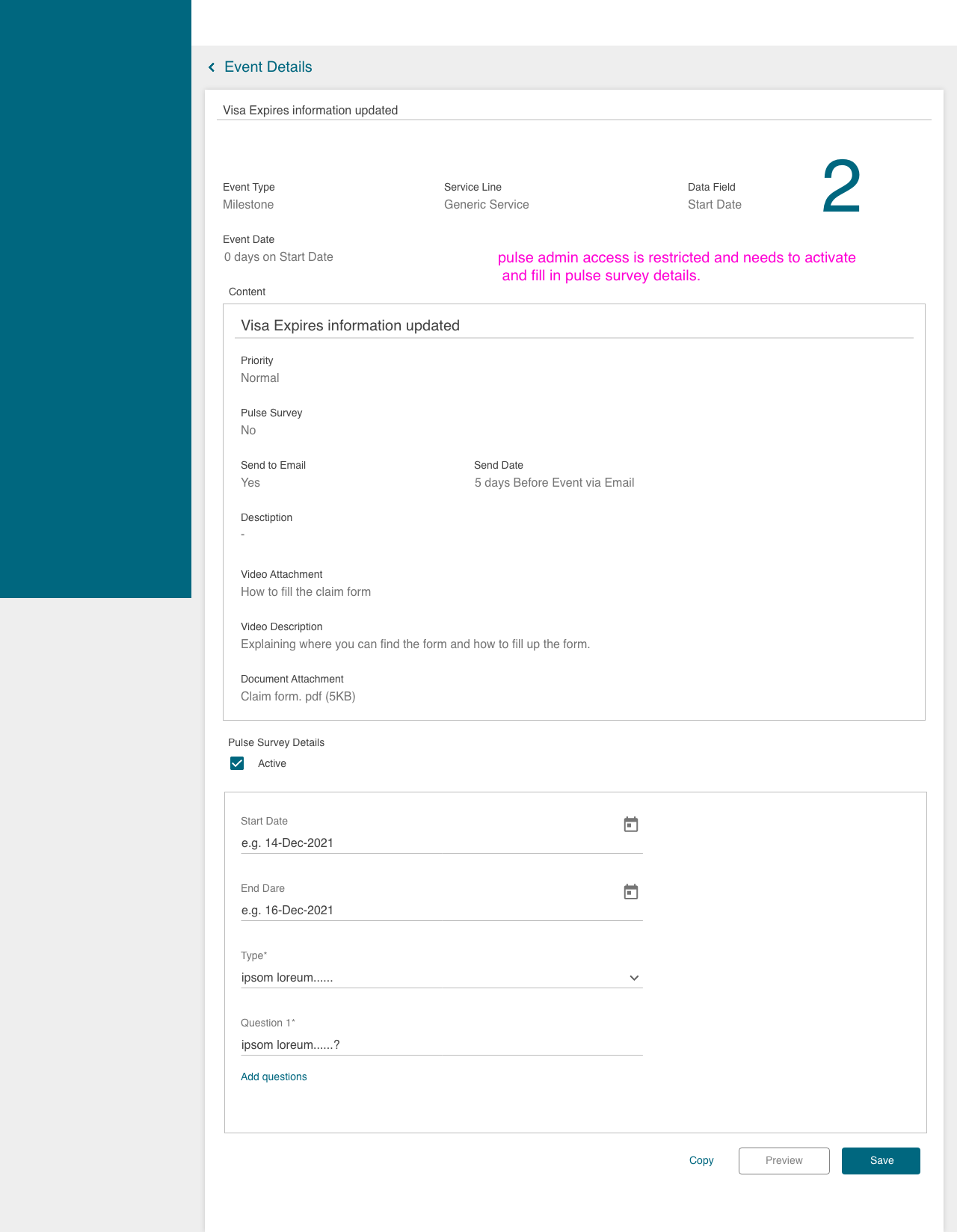
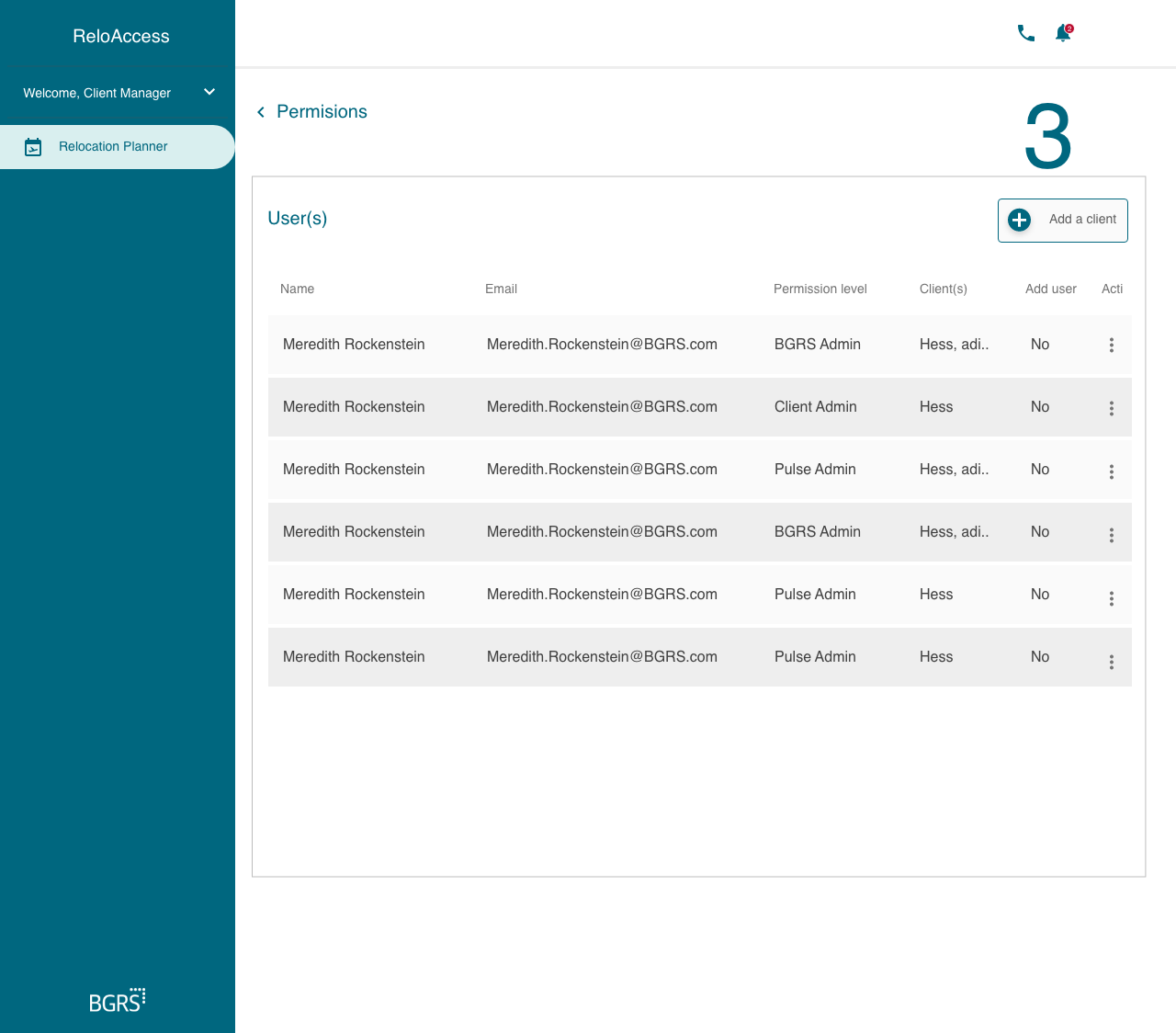
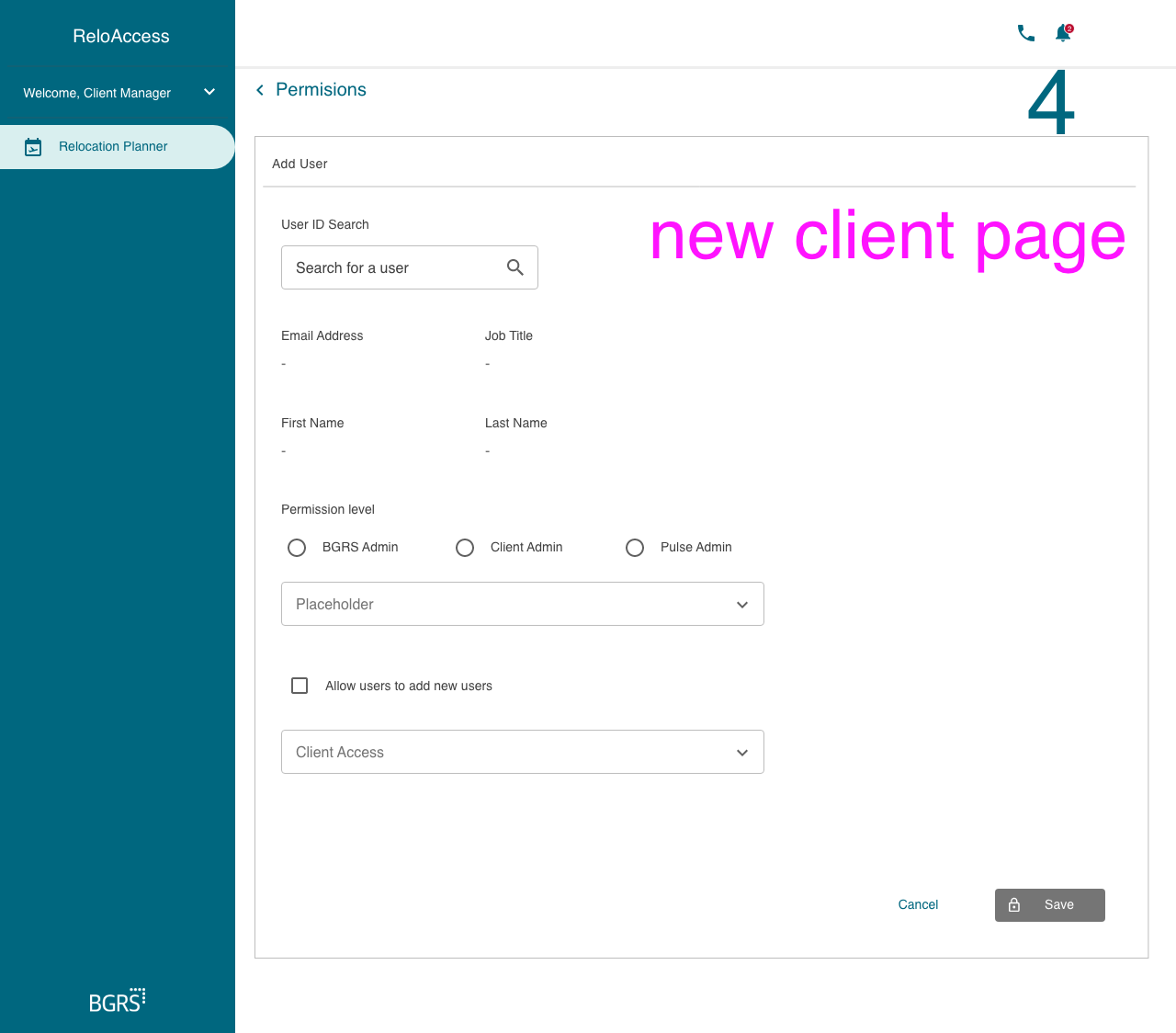
Configuration Dashboard: Designed a centralized dashboard for tracking and managing tasks.
Streamlined Navigation: Introduced a tree structure for hierarchical task management.
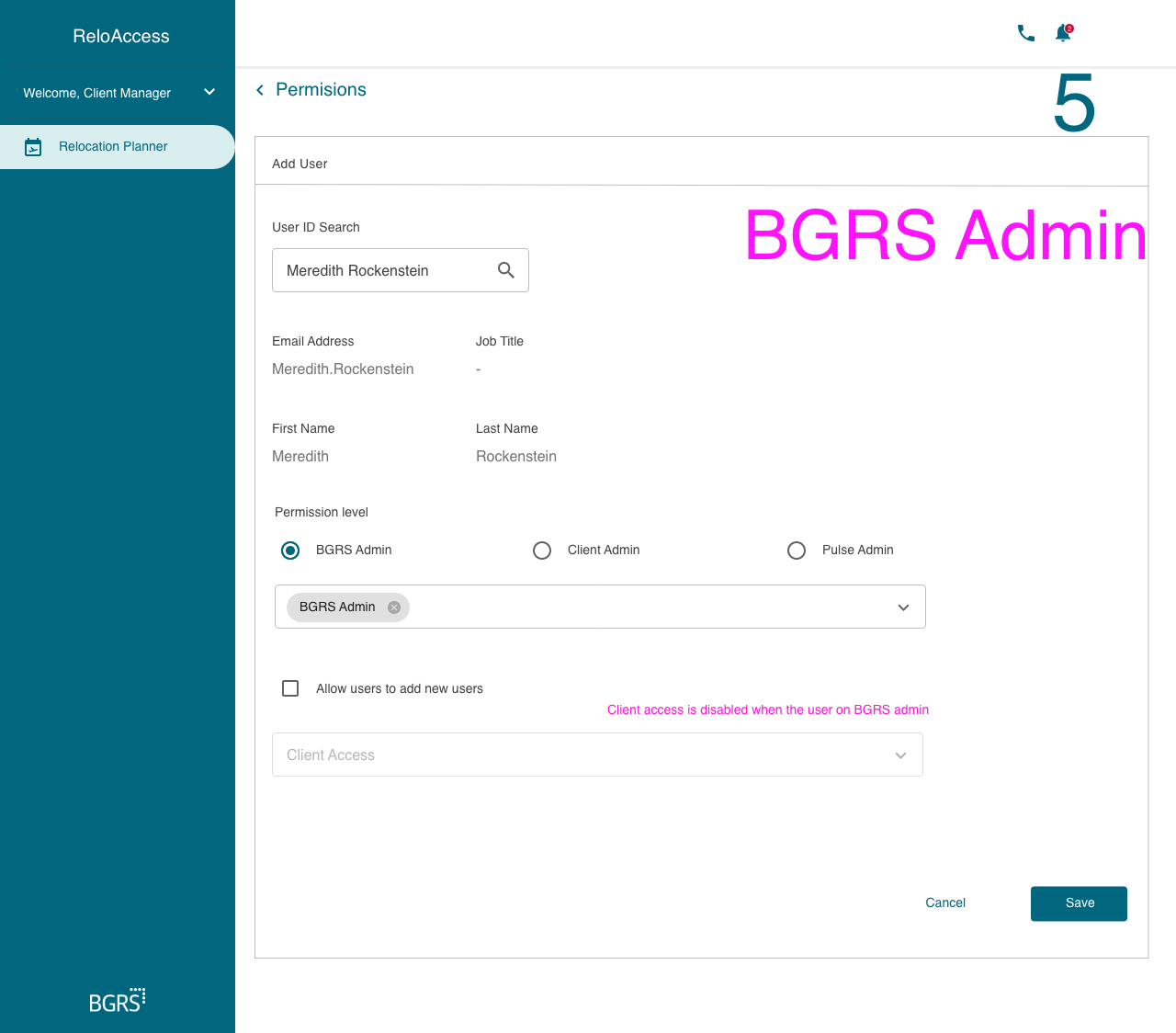
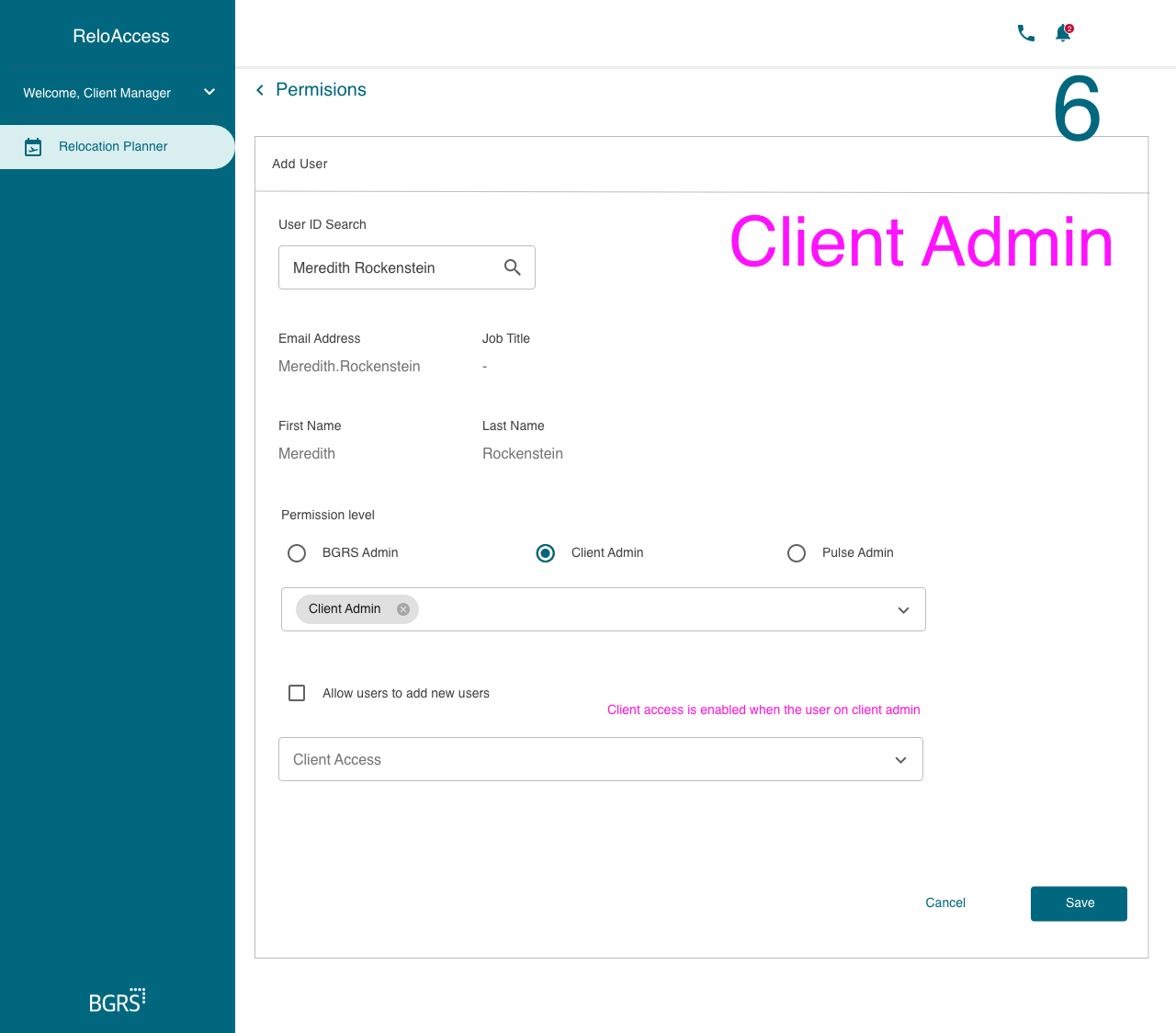
Improved Usability: Enhanced messaging, reduced cognitive load, and optimized workflows based on user feedback.
Final Outcome
Impact:
Increased Conversions: Achieved a 5% increase in conversions through simplified workflows.
Enhanced Usability: Improved user satisfaction by streamlining flows and clarifying messaging.
Positive Feedback: Users and stakeholders praised the intuitive interface and efficient navigation.
Scalability:
-
The design accommodates future scalability, ensuring flexibility for additional clients and task management needs.
Reflection and Learnings
-
Client Feedback: “The new dashboard simplifies our workflows significantly, making task management more intuitive.”
-
Team Feedback: “Santosh’s approach to user research and iterative design was instrumental in achieving our project goals.”
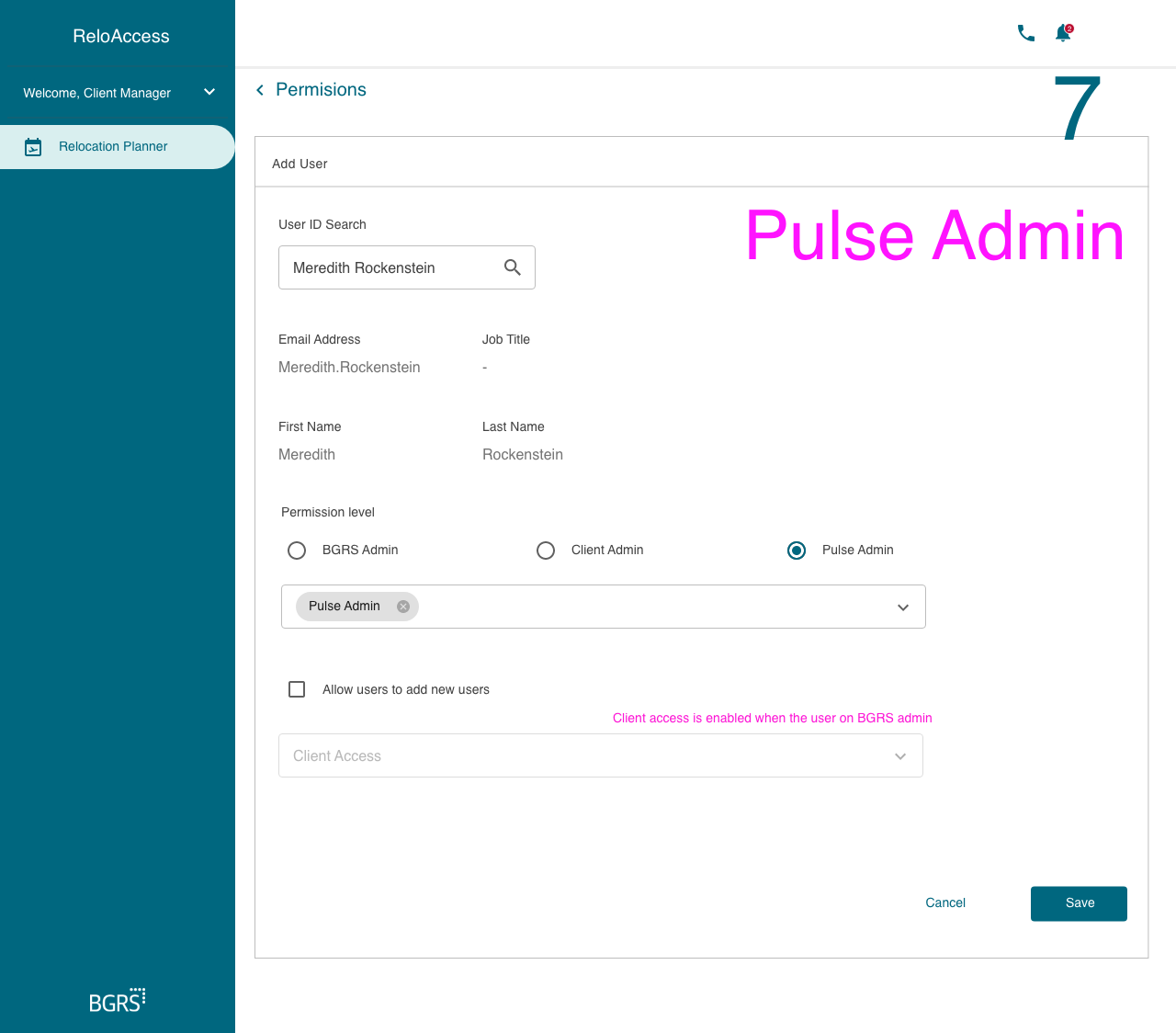
Visuals
Conclusion
The Master Configuration Tool project exemplifies the importance of user-centric design and data-driven decision-making. By addressing pain points and streamlining processes, the solution met business goals and enhanced user satisfaction. This project reinforced the value of empathy, simplicity, and continuous iteration in delivering impactful user experiences.