

TechInsight - Unifying Rogers’ Legacy Tools into One Scalable Platform
Project Overview
- Timeline: 3 years (Enterprise rollout in phases)
-
Role: Senior UI/UX Designer
-
Team: Product Owner, Business Analysts, Developers, QA, Data, and Stakeholders
-
Tools: Figma, Miro, Adobe XD, Jira, Confluence
-
Platforms: Mobile App + Responsive Web App
Summary
Rogers’ field technicians were relying on multiple outdated systems to diagnose and resolve customer issues. My role was to lead the UX design of TechInsight — a single, unified platform replacing 3+ legacy tools. Over three years, I designed, tested, and iterated this product from ideation to rollout, scaling it to 1.5M+ users across Rogers and third-party partners.
I owned the process end-to-end: research, design sprints, UI delivery, and post-release iterations to continuously refine the platform.
Business Objectives
We needed to:
-
Reduce average resolution times.
-
Consolidate fragmented tools into one intuitive platform.
-
Lower training costs by streamlining onboarding.
-
Improve first-time resolution rates and customer satisfaction (NPS).
“This tool saves time and makes us look sharp in front of customers.” — Technician Lead

The Problem
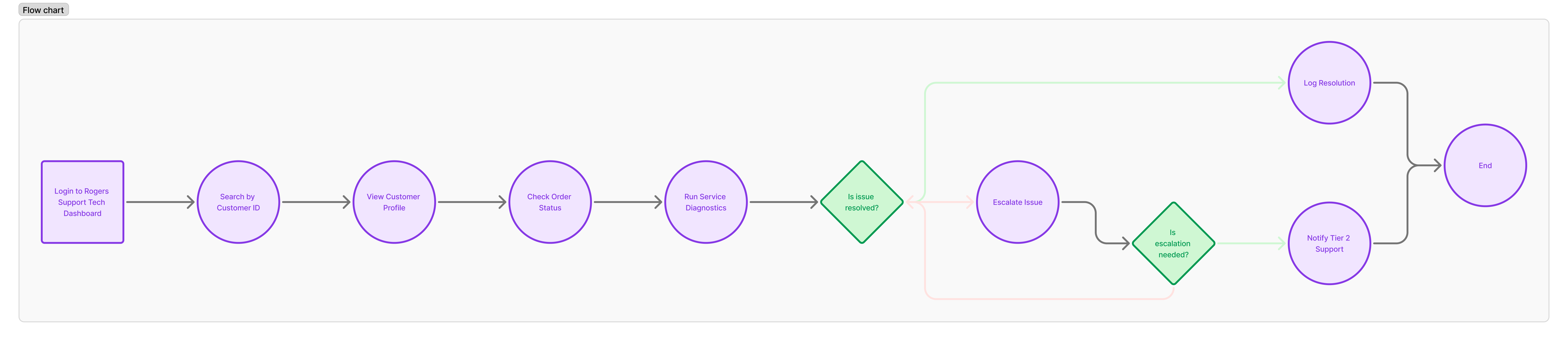
Technicians faced serious friction in their daily workflows:
-
Switching between multiple tabs to complete one task.
-
Inconsistent data for outages and diagnostics.
-
A steep 2+ week training period for new hires.
This not only slowed service, but also negatively impacted customer trust.
“This tool saves time and makes us look sharp in front of customers.” — Technician Lead
UX Research
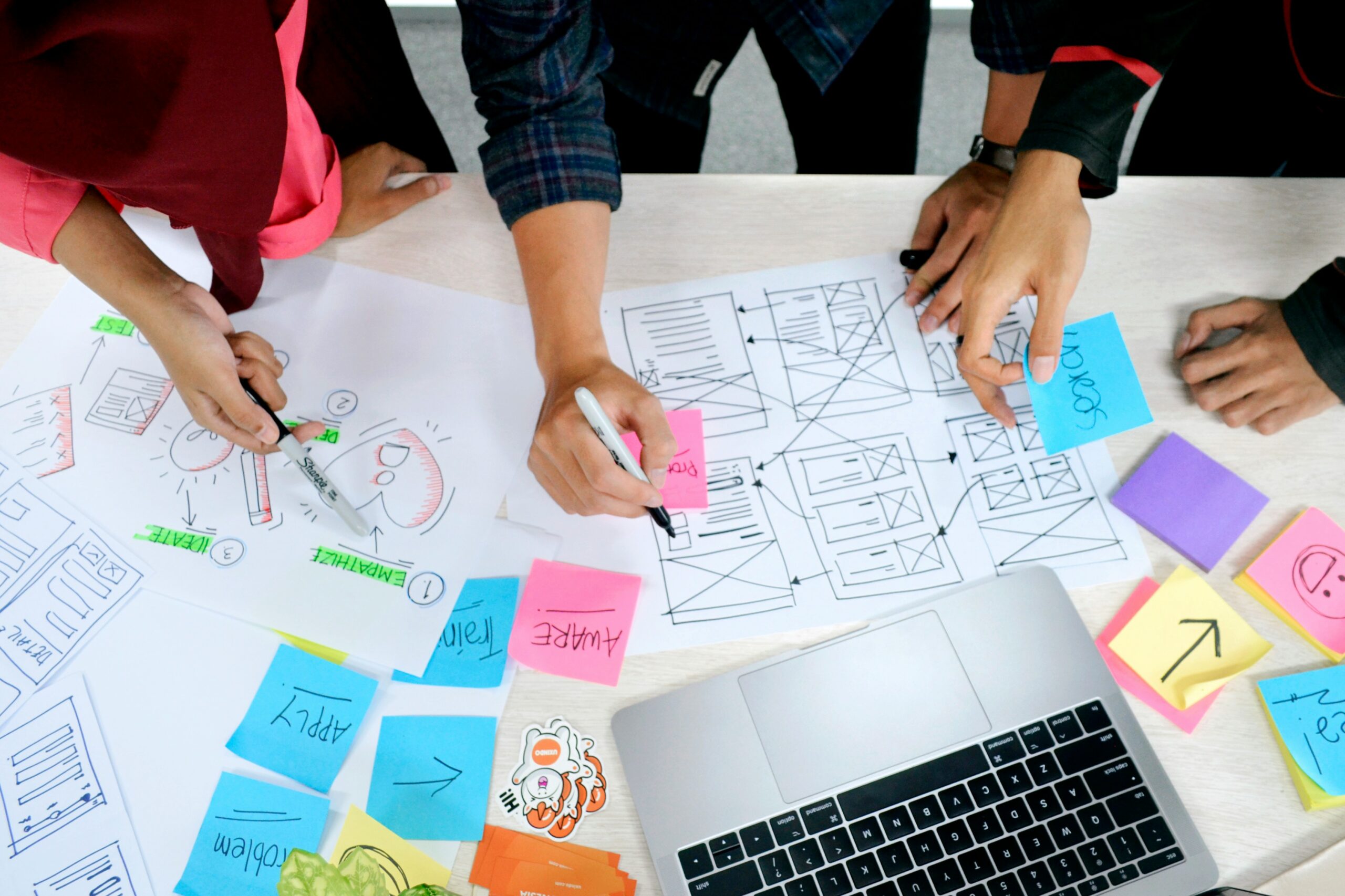
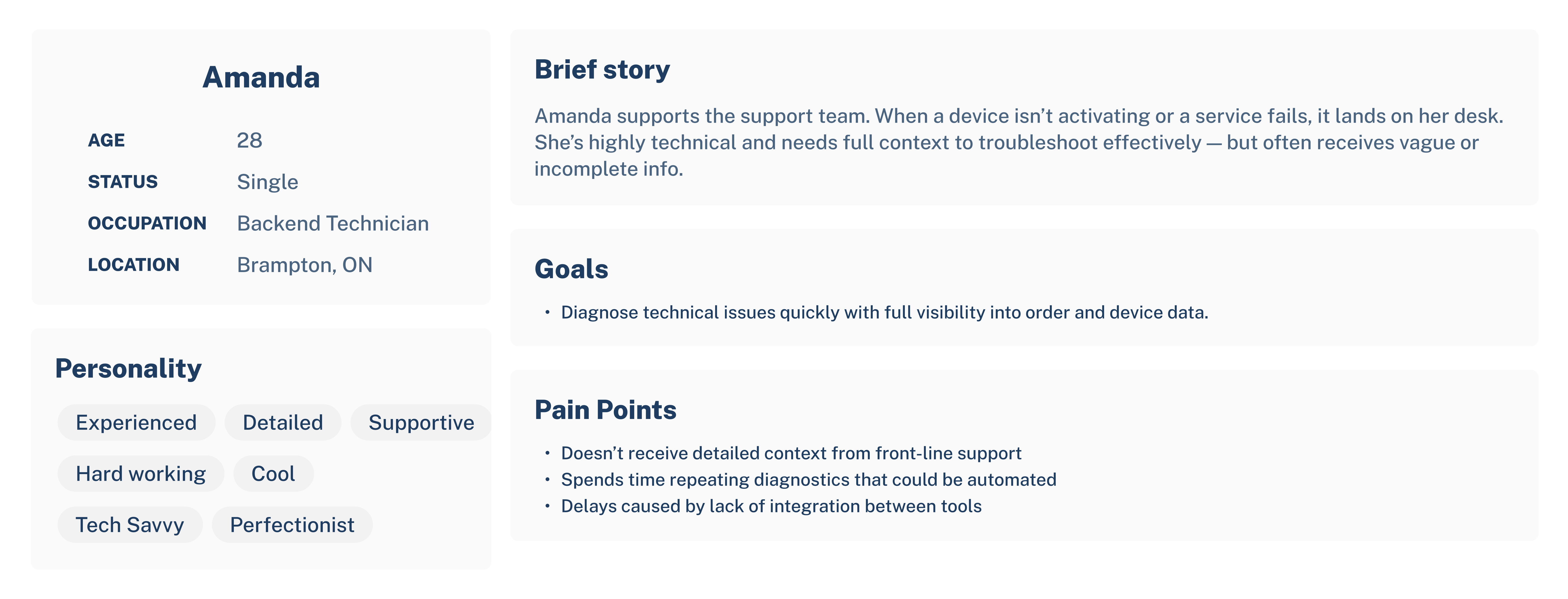
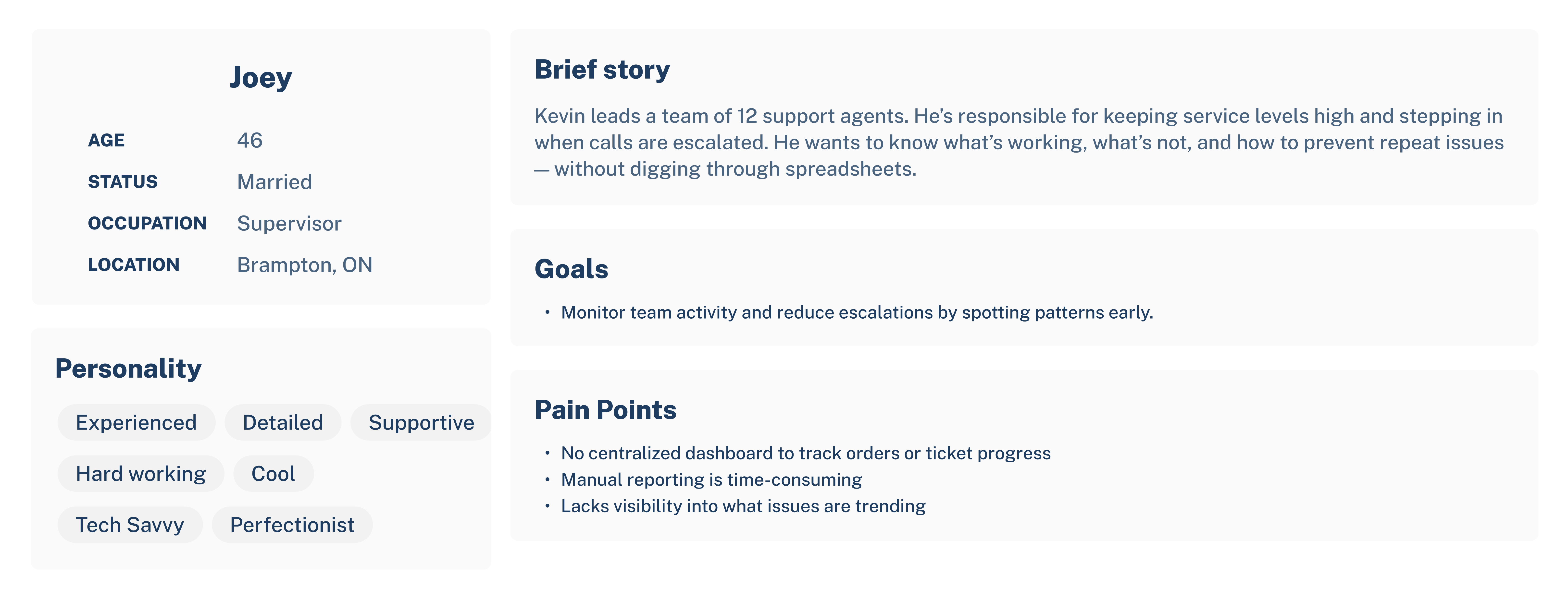
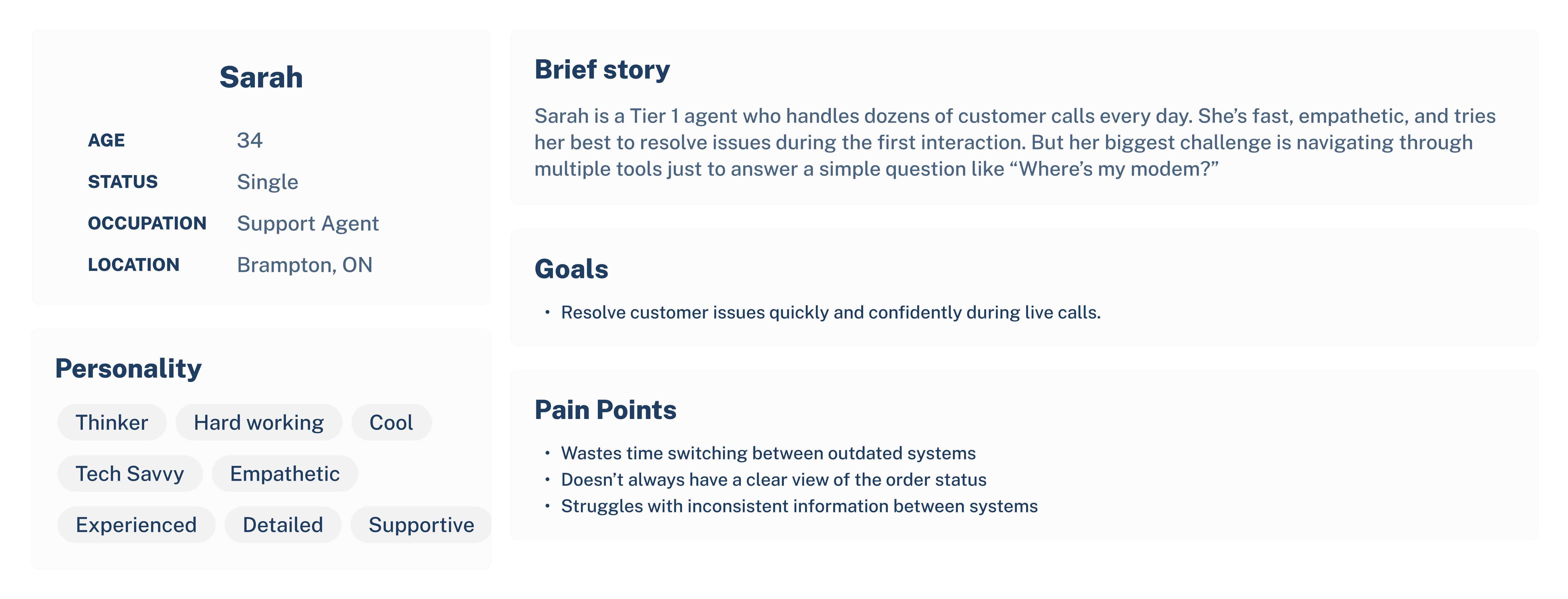
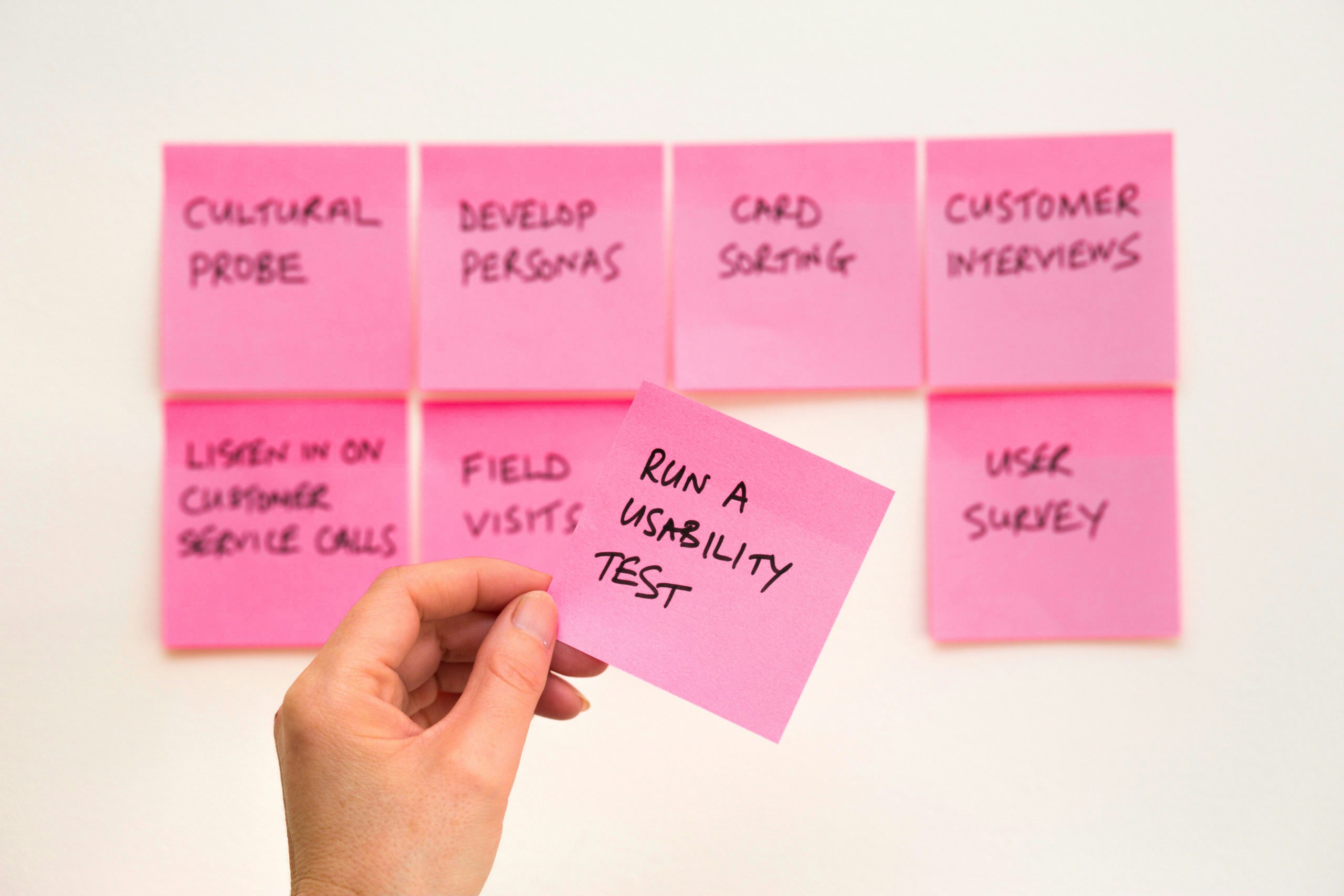
To design for the field, I needed to understand the day-to-day realities of technicians.
Approach:
- Understand real-world technician workflows
- Audit existing systems for usability and redundancy
- Align data capabilities with technician mental model
Key insight:
“Sometimes I have to check three places just to confirm if there’s an outage.”
This became our guiding principle: one tool, one source of truth.
Strategy & Planning
Identified 3 core workflows to prioritize:
- Signal Diagnostics
- Service History Lookup
- Outage Reporting
-
Designed modular, mobile-first UI blocks that could scale across devices.
-
Stayed one sprint ahead of development to sync with Agile cadences.
-
Balanced enterprise needs with usability by focusing on clarity, speed, and accessibility.
My Role & Collaboration
As the Lead UX Designer, I owned the end-to-end design process, while actively collaborating across:
-
Product + Business Analysis: To define flows and refine user stories
-
Data Teams: To surface diagnostic signals and ensure accuracy
-
QA and Testing: To align test plans with design logic
-
Technicians: To advocate for usability during UAT and pilot rollouts
-
Other UX/Product Teams: To contribute research, patterns, and design support on parallel Rogers projects
In addition, I:
-
Authored internal FAQ flows and tutorial documents to assist in onboarding and troubleshooting
-
Developed a Figma component library to maintain design consistency and streamline front-end collaboration
-
Strengthened user stories with UX acceptance criteria and eliminated unnecessary steps — simplifying the user journey while improving cross-team clarity
This wasn’t just interface design — it was service design at scale, built from the field up.

Design Process
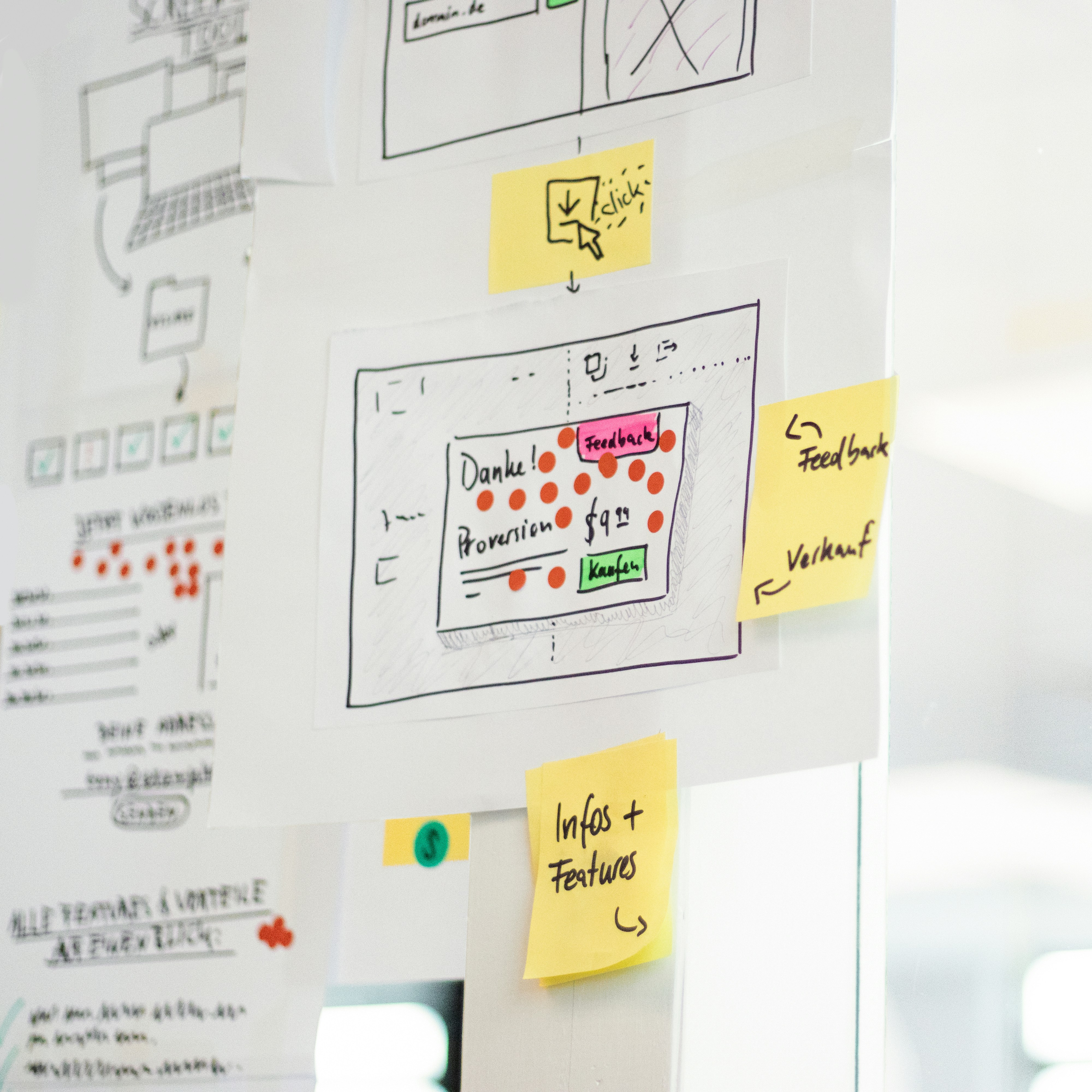
- Wireframes: Mobile-first dashboard sketches, scaled into responsive layouts.
-
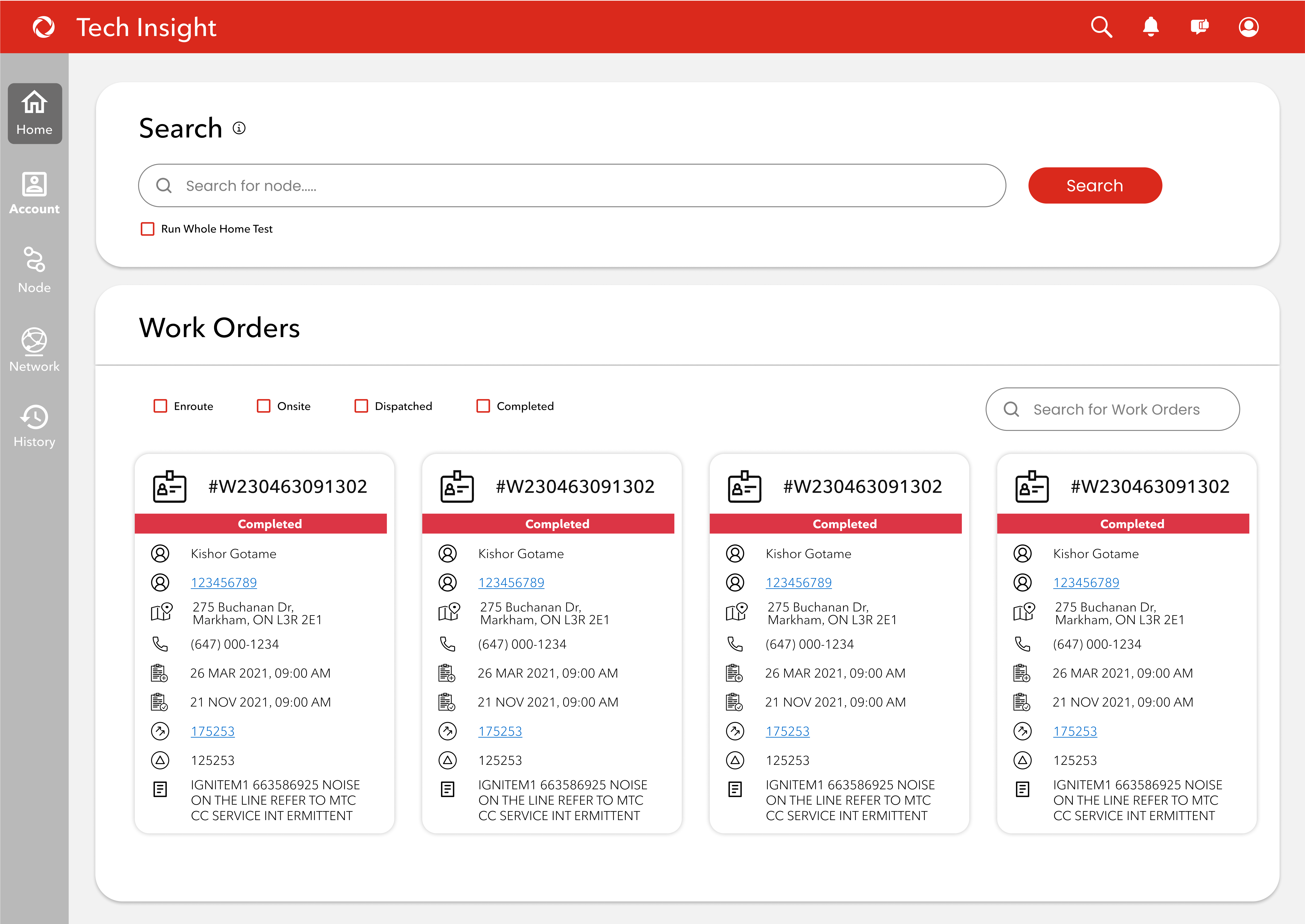
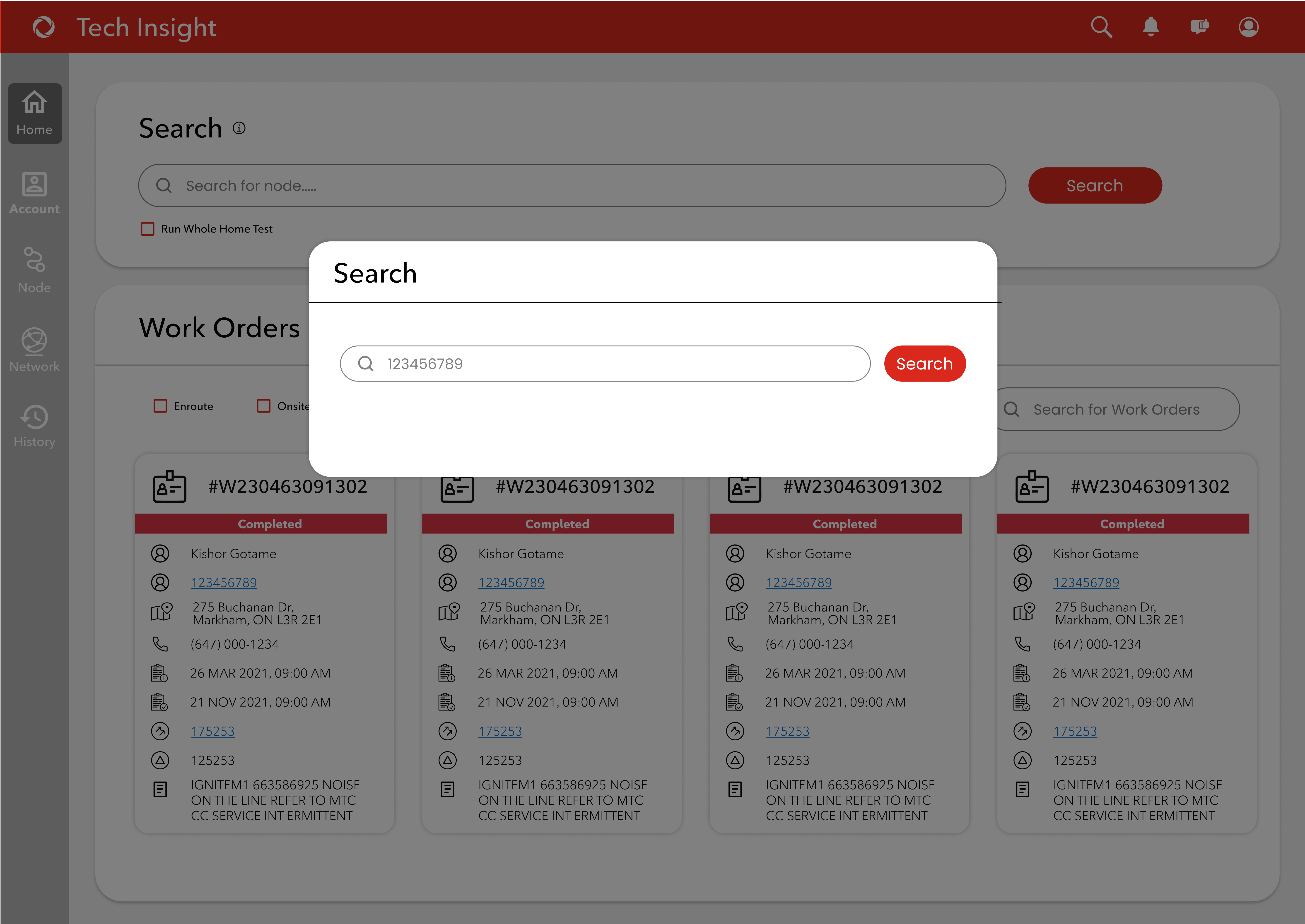
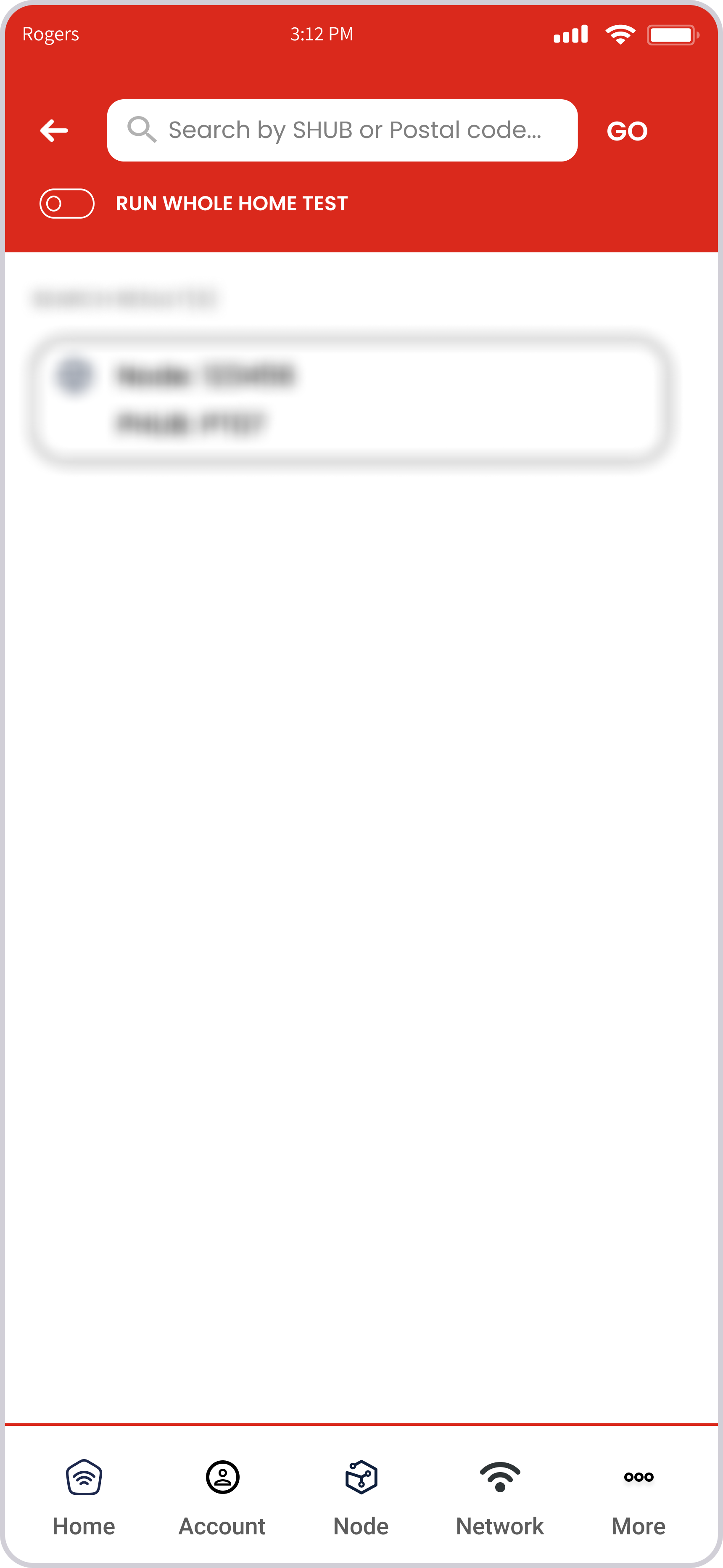
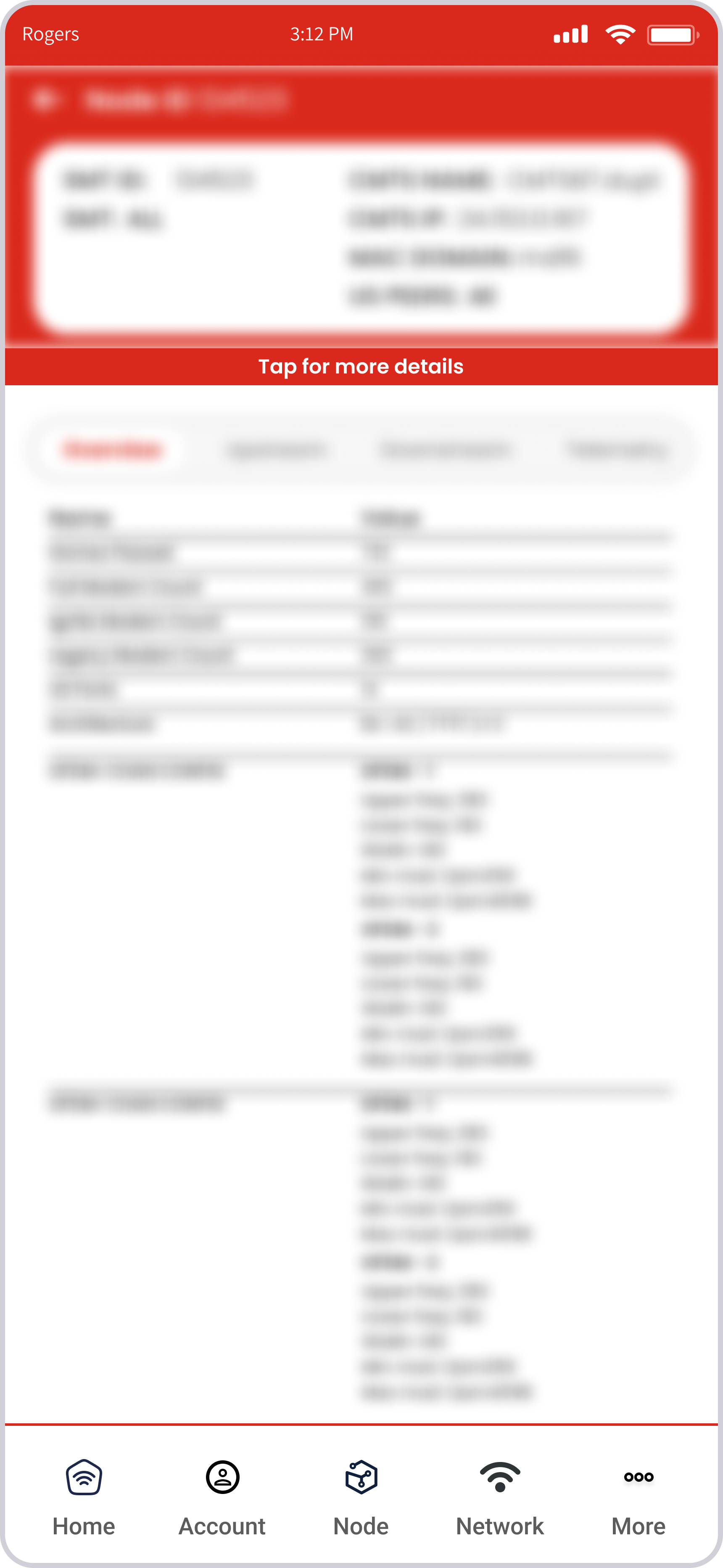
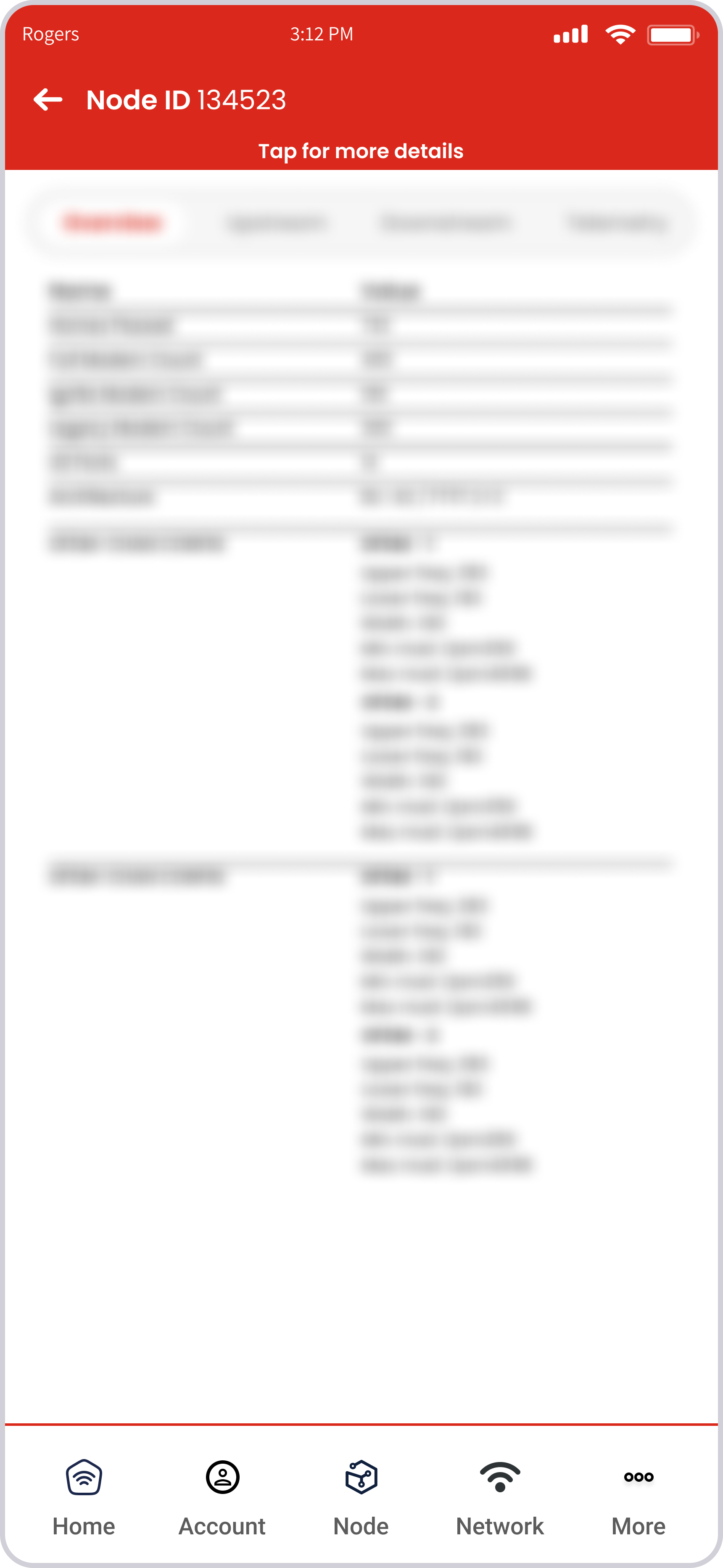
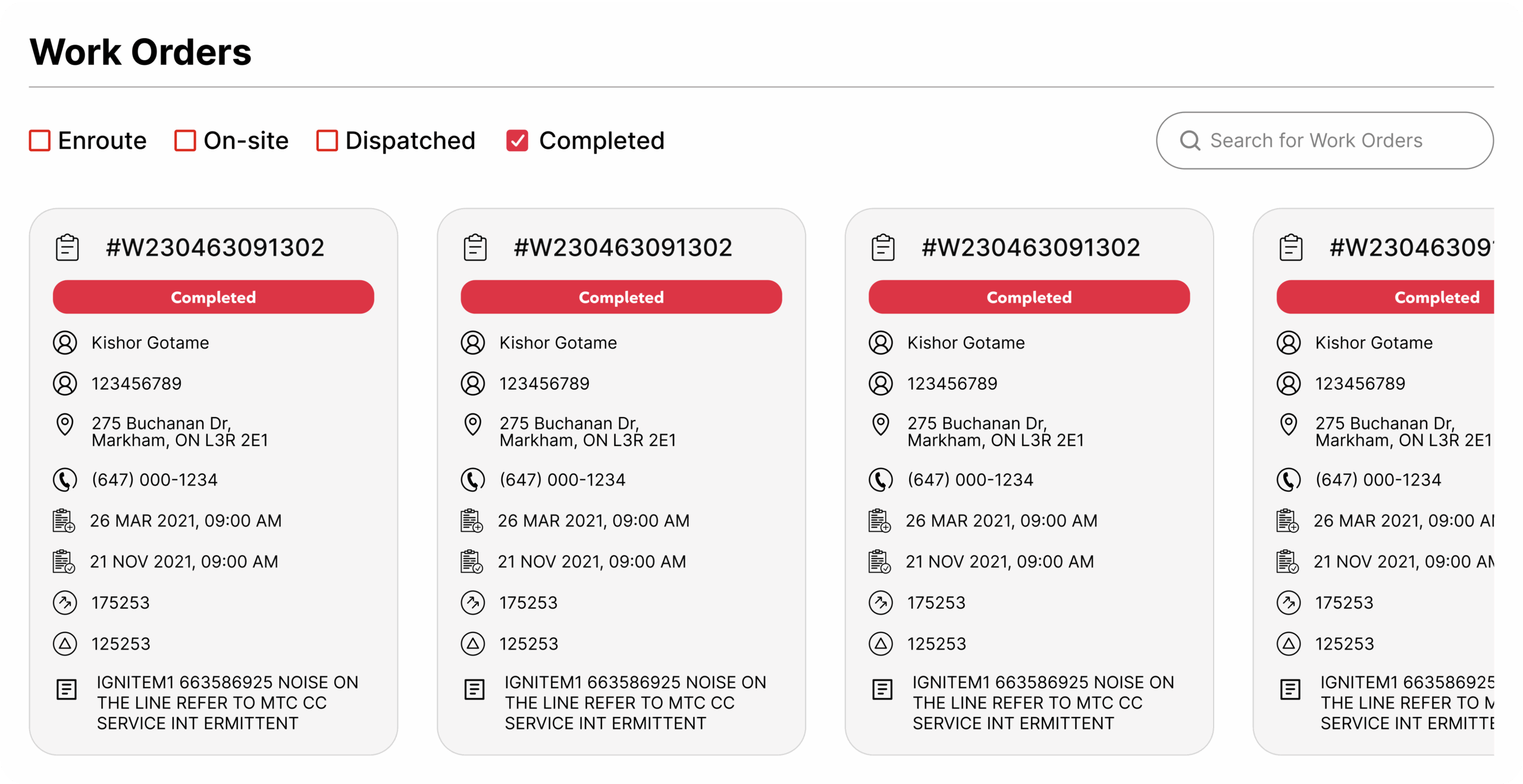
UI Structure: Card-based designs replaced dense tables, with collapsible widgets for easy navigation.
-
Accessibility: WCAG/AODA standards — high contrast, helper texts, consistent patterns.
Complex UI challenges solved:
- Outage map with filters, layers, and offline caching.
- Diagnostic panel with red/yellow/green signal indicators.
- Dark mode for readability in field conditions.
Hi-Fidelity UI / Prototypes
-
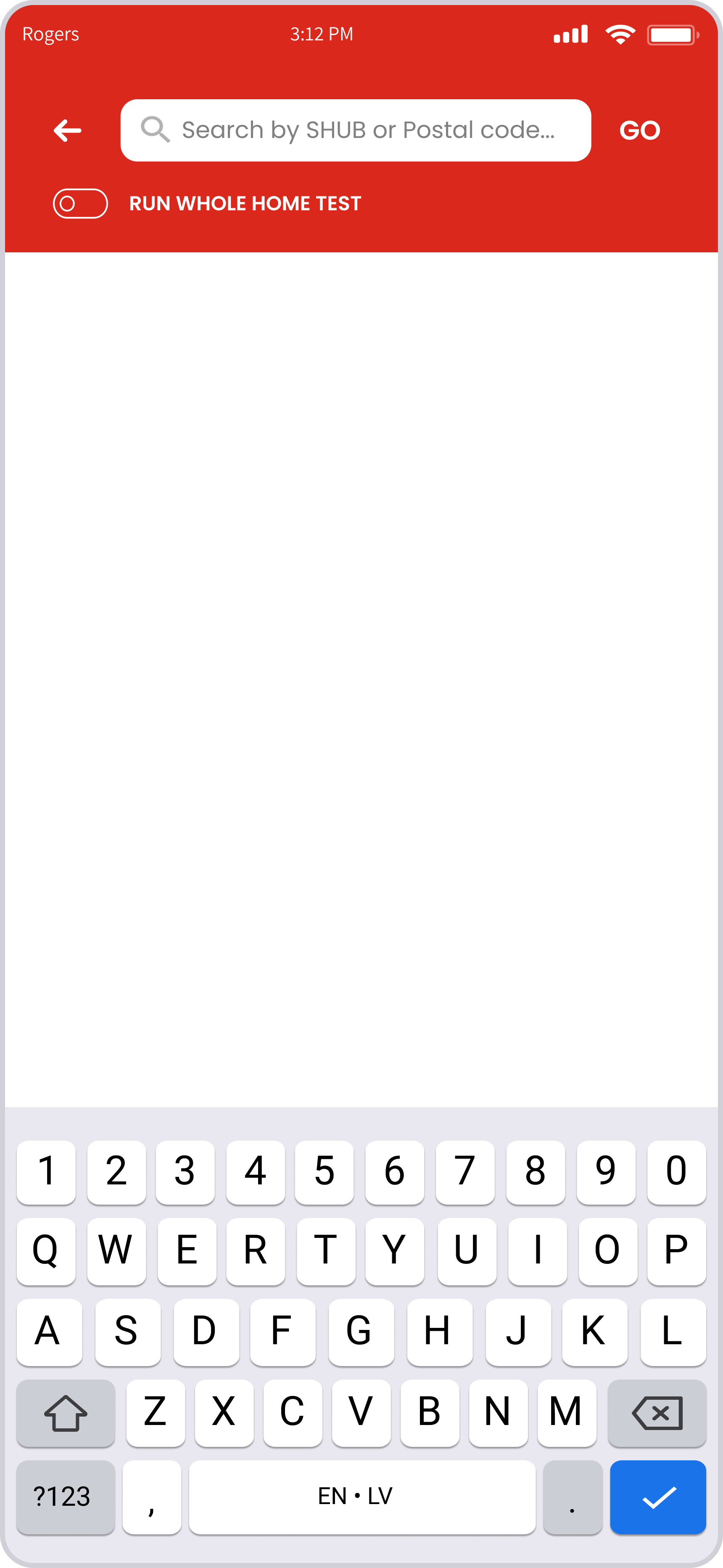
Desktop Dashboard: Unified diagnostic view with collapsible widgets.
-
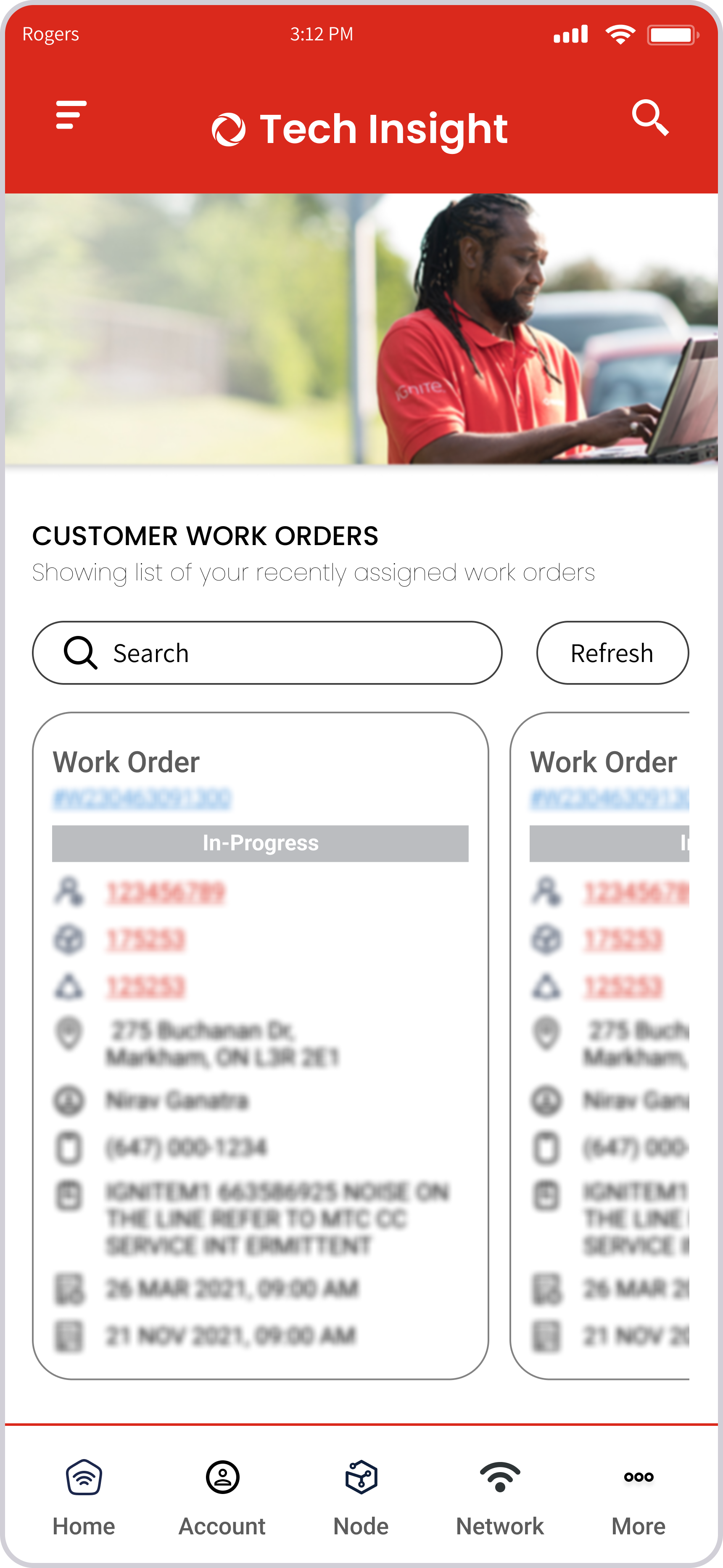
Mobile App: Optimized for quick lookups on-site or in-vehicle.
-
Dark Mode: Improved usability in outdoor and low-light conditions.
“The new dashboard feels like it was built for how we actually work.” — Field Technician
User Testing & Iteration
Testing:
-
-
2 remote user tests with team leads.
-
4 in-field usability tests on mobile and tablet.
-
Findings & Iterations:
-
-
V1 tables → V2 cards (faster scanning)
-
Added quick toggle between map & metrics
-
Introduced offline caching for low-signal areas.
-
Post Release:
-
-
Added error codes & calculation validation, which boosted trust and adoption.
-
Partnered with developers to validate builds using MUI standards for consistency.
-
Outcomes & Impact
- 30% faster resolution times in pilot regions.
- 20% improvement in first-time fix rates.
- Training reduced from 2+ weeks to a matter of days.
- Adopted across 1,000+ technicians, with scalability to 1.5M+ users.
“Beyond numbers, technicians finally had a tool they trusted and wanted to use.”
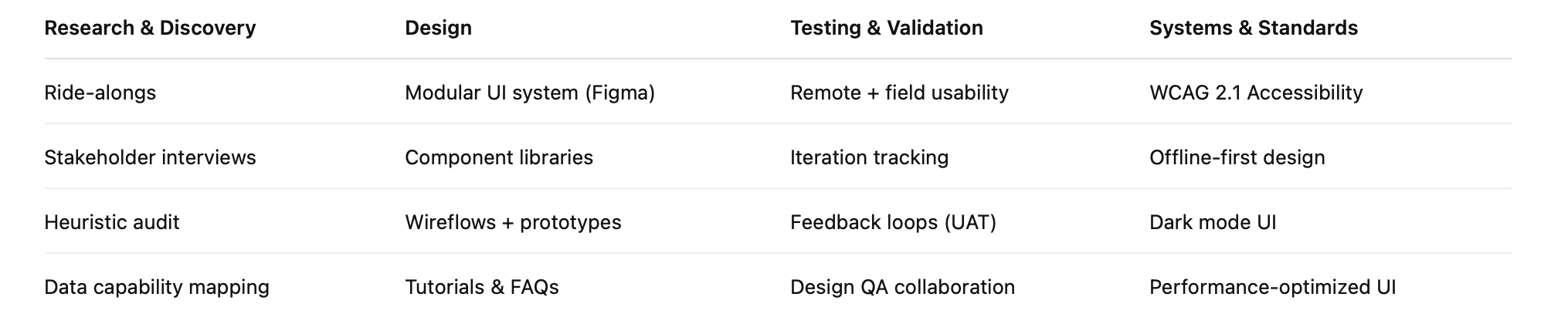
UX Methods & Tools Used
Reflection
This project taught me how to:
- Design for low-connectivity, high-pressure field environments.
- Balance business KPIs with user empathy.
- Advocate for technicians in a corporate enterprise setting.
- Collaborate seamlessly across Agile teams while staying a step ahead.
Key lesson: Designing for the field isn’t about flashy UI — it’s about empathy, clarity, and performance.